Quick answer
For a desk setup, a 34 to 49 inch ultrawide is the best balance of field of view, simplicity and GPU load. If you have a cockpit and a strong GPU, triple monitors give the widest view and let you see cars alongside. VR gives the best depth perception and immersion but is the hardest on your PC and less comfortable for long races.
Displays compared
| Setup | Field of view | GPU demand | Space | Best for |
|---|---|---|---|---|
| Single monitor or TV | Narrow | Low | Small | Starting out, consoles |
| Ultrawide (34" to 49") | Medium | Medium | Small | Desk setups, simple and seamless |
| Triple monitors | Wide | High | Large | Seeing cars alongside, judging apexes |
| VR headset | Full 360° | Very high | Smallest | Depth perception and immersion |
Why field of view matters
Field of view (FOV) is how much of the virtual world your screen shows. Set correctly, objects appear at their real size, so your brain judges speed, braking points and distances naturally. A small screen far away forces a narrow FOV, which makes it hard to see apexes and cars beside you. That's the main reason people move to ultrawides, triples or VR.
Always set FOV with a calculator using your screen size and the distance from your eyes. It's free and makes a bigger difference than most hardware upgrades.
Single monitor or TV
Everyone starts here. Mount the screen as close as you can, just behind the wheel, with the centre at eye level. A 27 to 32 inch monitor close up beats a 65 inch TV across the room. On console, a TV is usually the only option.
Ultrawide
A 34 inch 21:9 or 49 inch 32:9 ultrawide gives you much more side vision with no bezels and no setup fuss. It's the best choice for a desk setup. A curved 49 inch super ultrawide gets close to the feel of triples without needing a big stand.
Triple monitors
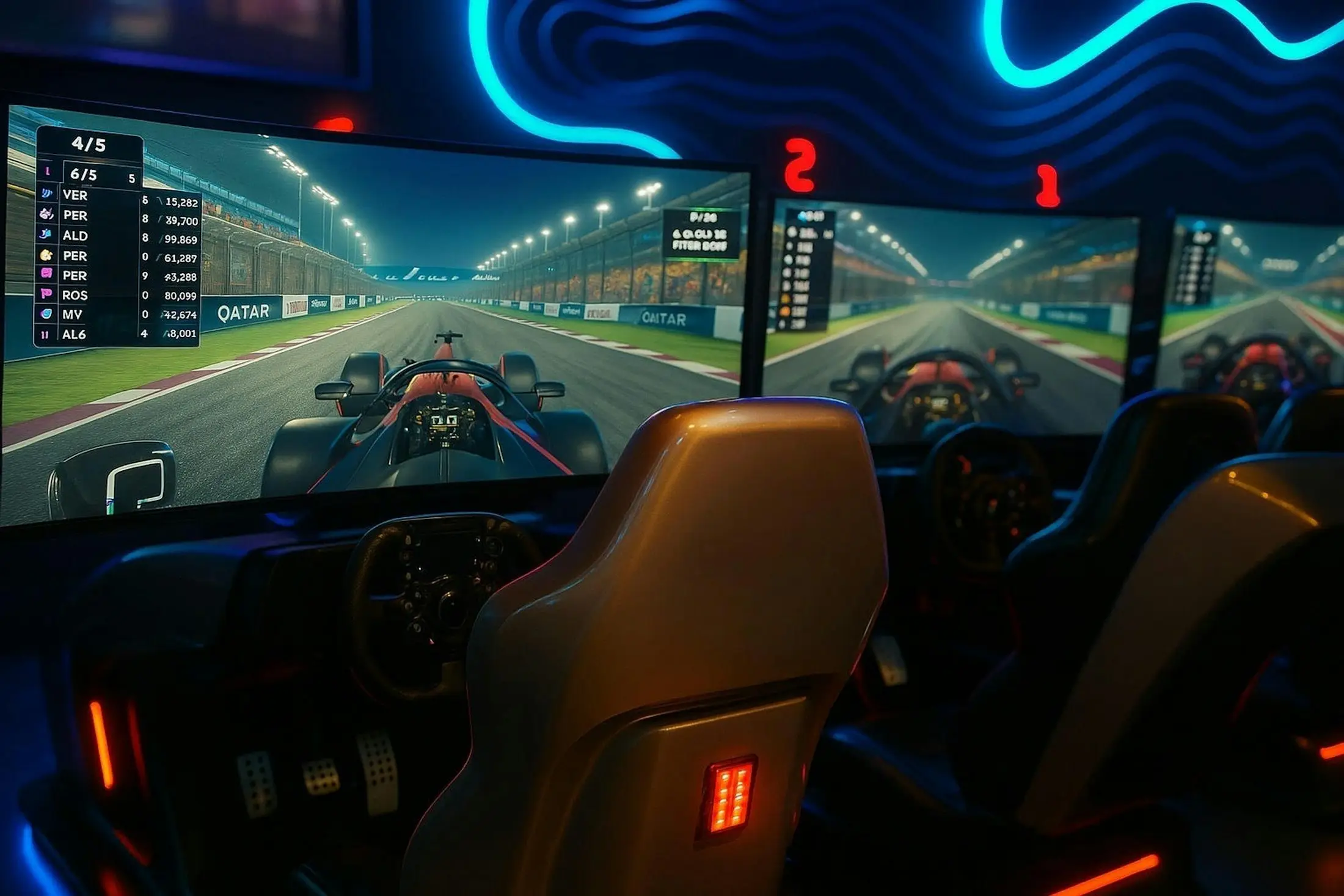
Three matching monitors, angled around you, give the widest view of any screen setup. You can see cars alongside and look into corners. They need a lot of GPU power, a triple monitor stand or rig mount, and each sim set up for triple-screen rendering. 27 or 32 inch 1440p panels are the popular choice.
VR
VR gives you real depth perception and lets you look into the apex naturally. It's the most immersive option and needs the least space. The downsides are lower image clarity than a good monitor, heat and comfort on long races, and the heaviest GPU load. Not every sim supports VR well, so check yours first.
Refresh rate and response time
Aim for at least 120 to 144 Hz if your PC can drive it. Higher frame rates make the car feel more connected and reduce input lag. Fast response times avoid smearing at speed.
Frequently asked questions
Are triple screens better than an ultrawide?
Triples give a wider field of view and let you see cars beside you, but they need more space, a bigger stand and a stronger GPU. An ultrawide is simpler and seamless, and is the better choice for a desk.
Is VR good for sim racing?
Yes. VR gives true depth perception, which helps with braking points and apexes. The trade-offs are lower clarity than monitors, comfort on long sessions and very high GPU demands.
What size monitor is best for sim racing?
A 27 to 32 inch monitor mounted close behind the wheel works well. Closer and bigger lets you use a wider, more accurate field of view.
Can I use a TV for sim racing?
Yes, especially on console. Use game mode to cut input lag, and get the TV as close to the wheel as you can.
What refresh rate do I need for sim racing?
60 Hz works, but 120 to 144 Hz feels noticeably smoother and more responsive if your PC can keep up.
Do triple screens work on console?
No. PlayStation and Xbox output to one screen. You can use one ultrawide, but the game won't render a proper triple view.